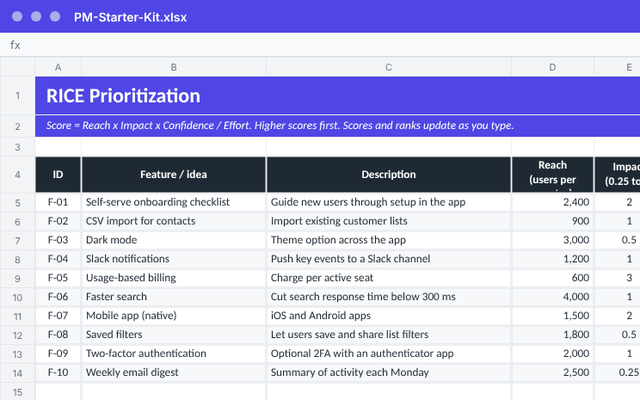
PM Starter Kit
RICE scoring, a Now / Next / Later roadmap, sprint capacity, RAID log and stakeholder map.
KitShelf / Templates / LinkedIn Content Calendar
Post consistently without starting from a blank page every week. A 12-month calendar, 40 post ideas, 30 hook formulas and analytics that fill themselves in.
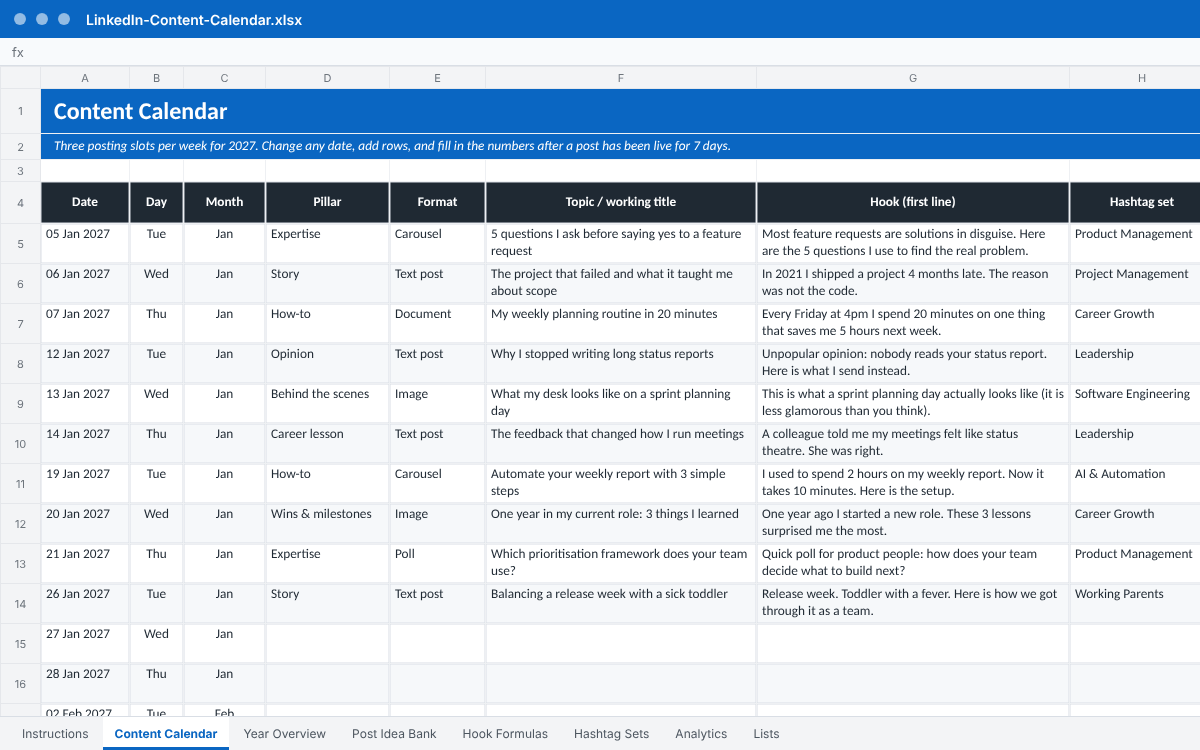
Screenshots taken from the actual file you download, including its example rows. Select an image to see it full size.
156 dated post slots (three per week) with pillar, format, topic, hook, hashtag set, status, link and results. Status colors update automatically.
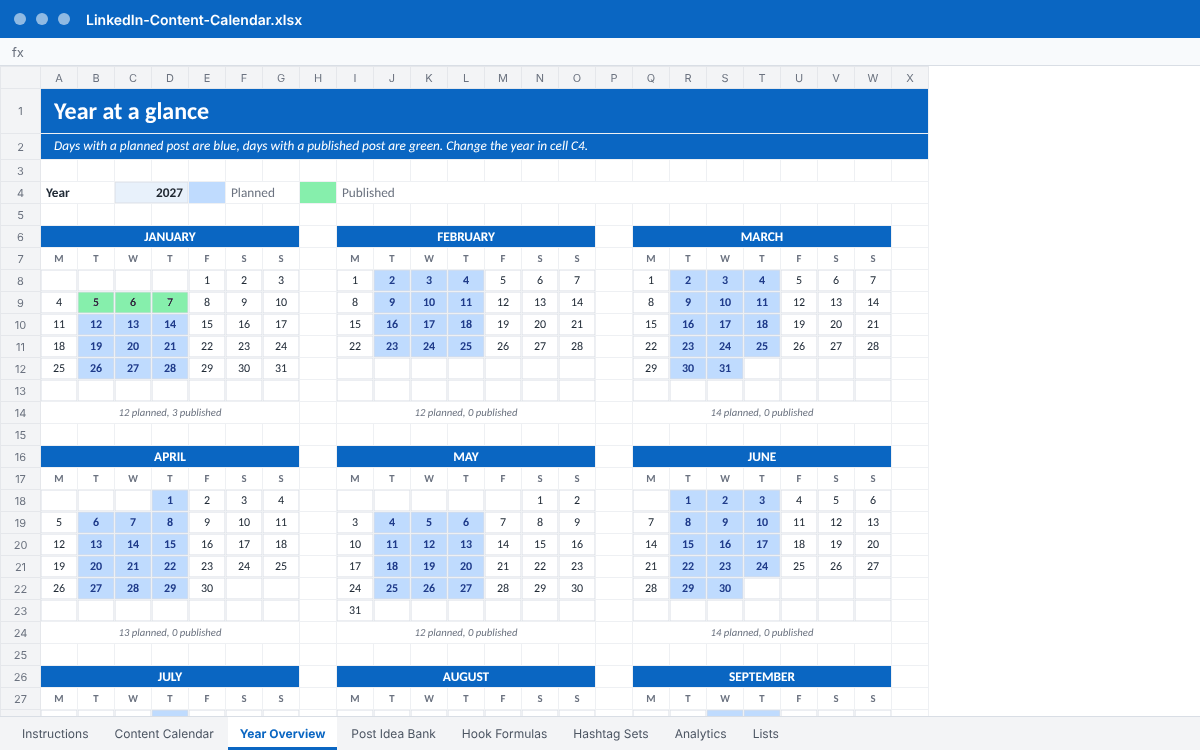
Twelve mini calendars. Days with a planned post turn blue, published posts turn green. Change the year in one cell.
40 starter ideas sorted by pillar and format, with priority and a 'used' marker, plus room for your own.
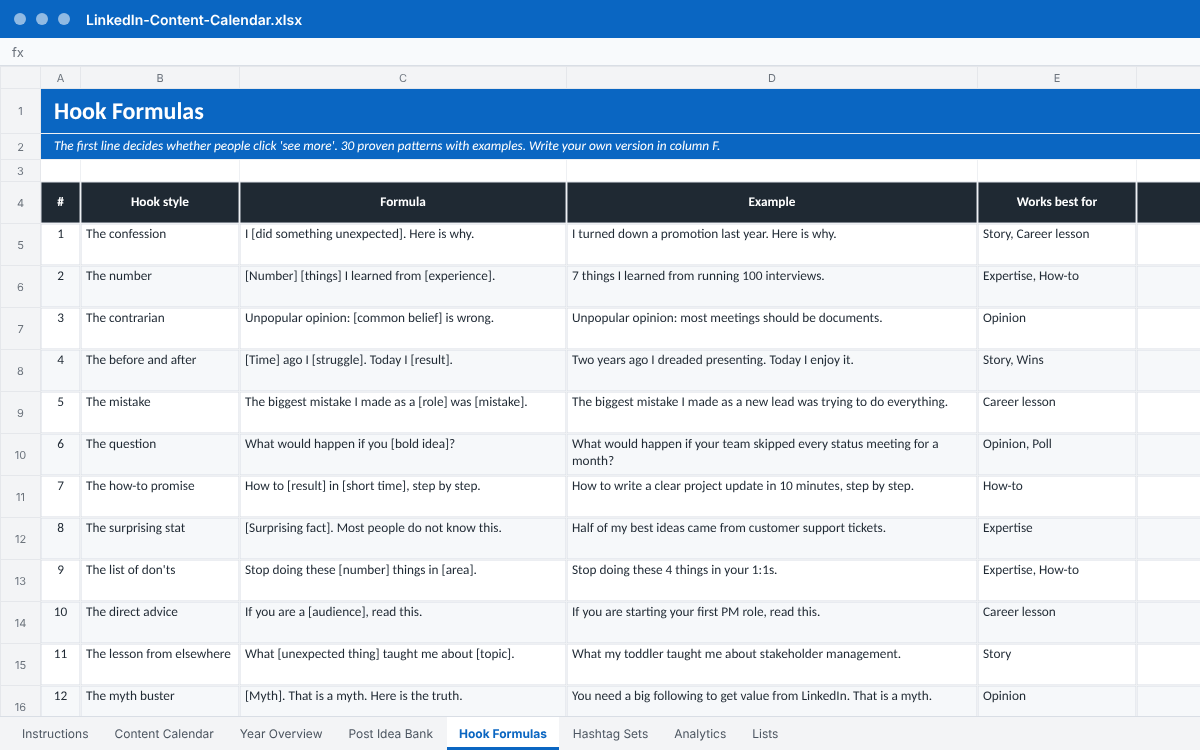
30 first-line patterns (the confession, the contrarian, the before and after and more) with a worked example for each.
Broad, medium and niche hashtags for 12 niches, combined into a copy-ready set.
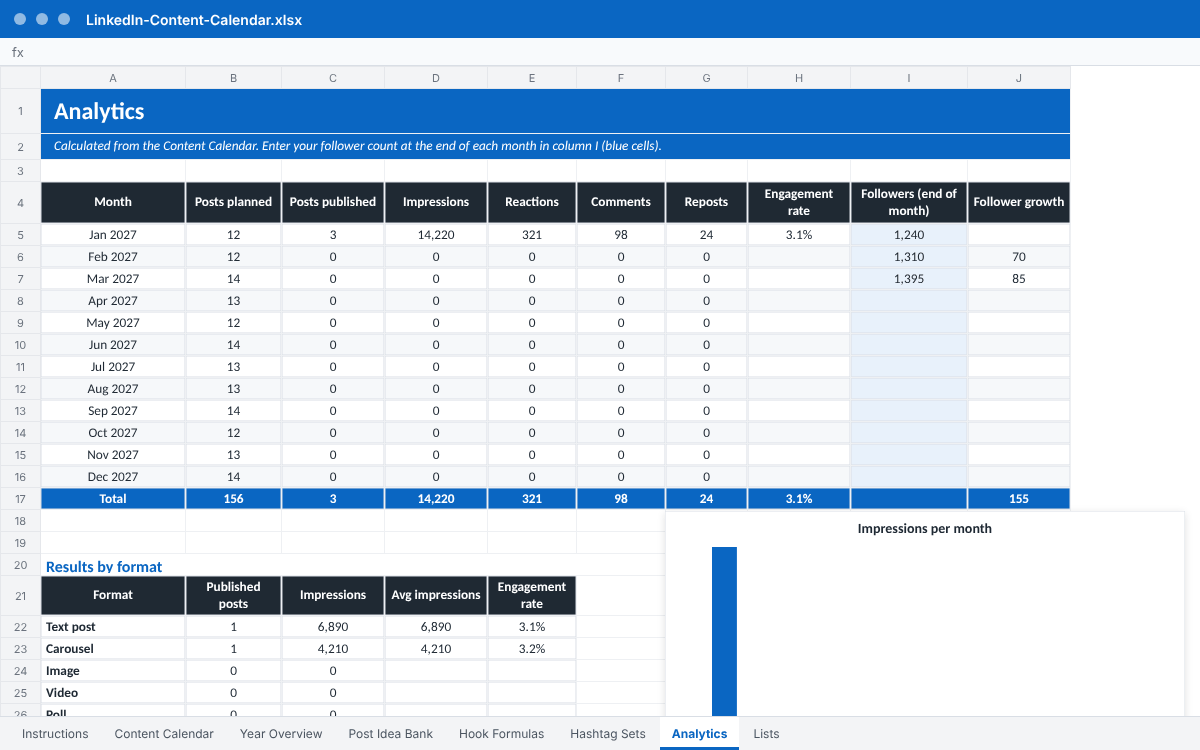
Monthly posts, impressions, reactions, comments, reposts, engagement rate and follower growth, plus results by format and by pillar, with two charts.
A short how-to tab and an editable Lists tab that drives every dropdown.
| Format | Excel (.xlsx), works in Google Sheets |
|---|---|
| You receive | LinkedIn-Content-Calendar.xlsx (one workbook, 8 tabs) |
| Delivery | Instant download from the checkout page and by email |
| Licence | Personal use and internal use in your own team or company. Please do not resell or share the file. |
| Price | €12, one-time, no subscription |
Yes. Open Google Sheets, choose File, Import, Upload and select the .xlsx file. Formulas, dropdowns and colors carry over. Charts may look slightly different than in Excel.
No. Nothing is connected and nothing is automated. You copy a few numbers from LinkedIn's post analytics into the sheet, which takes about a minute per post.
Yes. Dates are plain cells you can change, and the pillars, formats and statuses live in the Lists tab, so every dropdown updates when you edit them.
It ships with dates for 2027. Change the year on the Year Overview tab and type over the dates in the calendar to use it for any year.
It will help you post consistently and learn what works, which is what most people struggle with. Results depend on what you write, so we make no promises about follower numbers.
RICE scoring, a Now / Next / Later roadmap, sprint capacity, RAID log and stakeholder map.
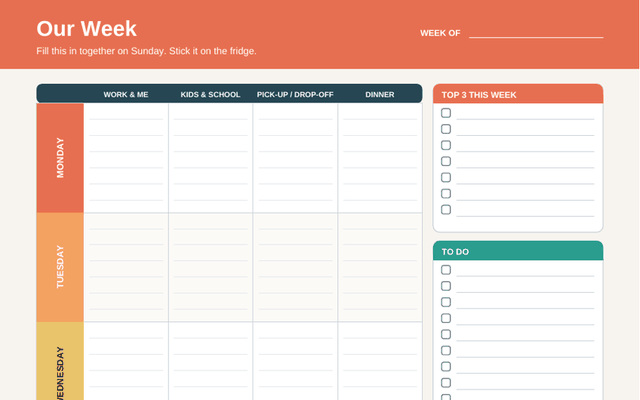
Printable weekly family planner, meal plan, chore chart and kid routine cards.
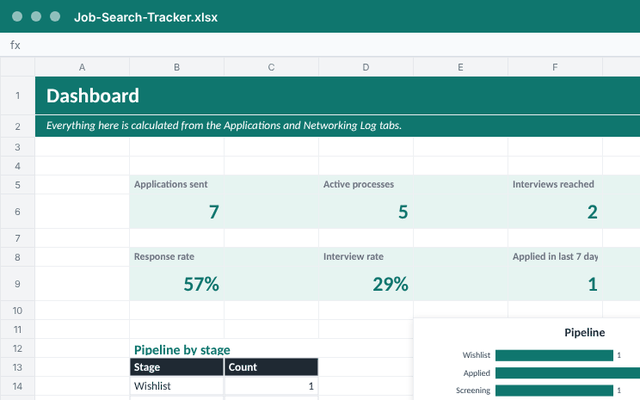
Track applications, networking and interview prep, with a dashboard that shows what works.